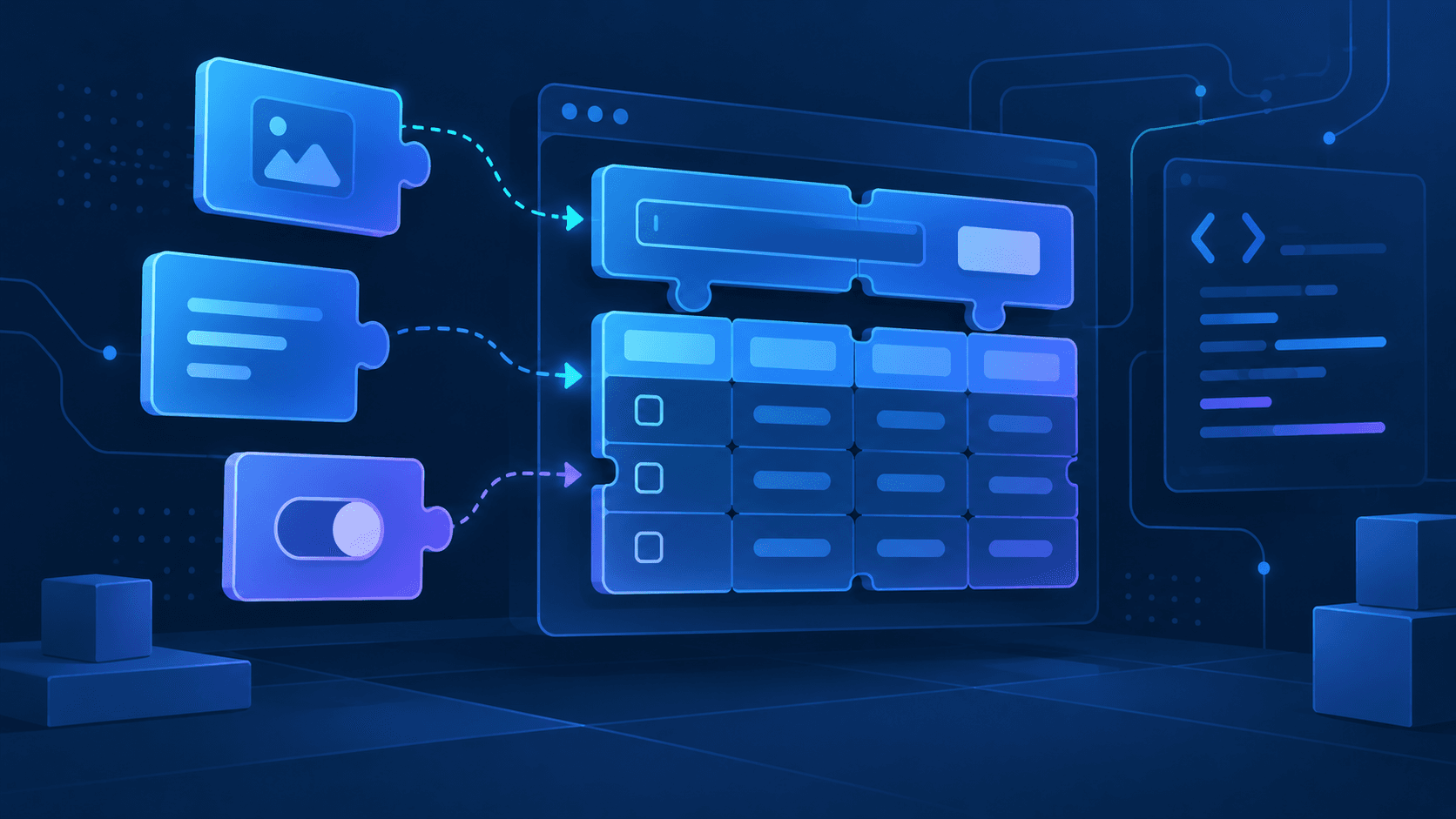
Model-driven Apps: Choosing Them for the Right Reasons
A model-driven app is a data model with a user interface generated from it. That single sentence decides most of the arguments about when to use one.
 Rajiv KumarApril 22, 20267 min read
Canvas and model-driven apps are not two ways to build the same thing. One starts from a screen, the other starts from a schema — and that difference determines what each one is cheap and expensive to change later.
Most arguments about canvas versus model-driven apps are really arguments about where the design lives. In a canvas app the design lives on the screen: you place a gallery, bind it to a source, and the layout is whatever you drew. In a model-driven app the design lives in Dataverse: you define tables, columns, relationships and choices, and the application is generated from that definition.
That is not a stylistic difference. It changes which future edits are cheap and which are expensive, and that is the only durable basis for choosing between them.
What a model-driven app actually is
A model-driven app has no canvas. You do not position controls. You define:
- Tables and columns — the schema, in Dataverse.
- Forms — which columns appear, in what sections, in what order, for which security roles.
- Views — saved queries with columns, filters and sort order.
- Site map — the navigation: areas, groups and subareas pointing at tables and dashboards.
- Business rules and business process flows — declarative logic and multi-stage progression.
The runtime renders all of that. It also renders responsively, handles accessibility, provides search, respects the security model, and gives you a consistent command bar for free. You did not build any of it and you cannot substantially restyle it — which is exactly the trade.
The security model is the real differentiator
This is the point that decides more architectures than layout ever does.
In a canvas app over SharePoint lists, row-level access is your problem. You either give everyone access to the list and hide rows in the UI — which is not security, because the underlying list is still readable — or you build item-level permissions and discover how slowly they scale.
In Dataverse, access is defined outside the app. Security roles grant privileges per table and per operation, and each privilege carries an access level: user, business unit, parent-child business unit, or organisation. Records have owners. Teams own records. Sharing grants access to a specific record. Hierarchy security and field-level security narrow it further.
A model-driven app inherits all of that automatically, because it queries Dataverse as the signed-in user. Two people opening the same view see different rows, and neither of them can widen that by editing a URL.
If your requirement contains the phrase "managers should only see their own team's records", you are describing the Dataverse security model. Reimplementing it in a canvas app is possible and almost always a mistake.
Three signals that say model-driven
1. The data has real relationships
An account has contacts, which have cases, which have activities. If your entities relate to each other and users need to navigate between them, a model-driven app gives you related-record subgrids and lookup navigation for nothing. Building that in canvas means writing and maintaining every navigation path.
2. The process is long-lived and multi-stage
Business process flows are a first-class feature. A record moves through named stages, each stage requires certain fields, and the progress bar is rendered by the platform. Users can move backwards. The current stage is stored on the record and can be queried and reported on.
You can build a stage indicator in canvas, but you will be storing the stage in a column and validating transitions yourself, and nothing else in the platform will know about it.
3. Several roles use the same data differently
Forms and views are role-scoped. The same table can present a short intake form to one role and a full case form to another, with different views on the same navigation entry. That is configuration, not branching logic.
Three signals that say canvas instead
- The interface is the point. A field technician app with a photograph, a signature capture and three large buttons is a designed experience. Model-driven will not give you that.
- The data lives somewhere else and is staying there. If the system of record is SQL, SAP or a REST API and you are not moving it, a canvas app over a connector is the honest architecture.
- It is a task, not a system. A one-screen approval or a lookup tool does not need a site map.
The two are not mutually exclusive. A custom page embeds a canvas experience inside a model-driven app, which is the right answer when one step of an otherwise data-shaped process genuinely needs a designed screen.
What people get wrong
Treating forms as layout
A main form is not a page you decorate. Every column you add to a form is retrieved on load. Forms with sixty columns across eight tabs load slowly and teach users to ignore most of the screen. Put the columns the role actually needs on the first tab, and move the rest to a second tab or a different form.
Using JavaScript where a business rule would do
Business rules run on both the form and the server, are visible to anyone opening the solution, and survive an upgrade. A form script does none of those things. Reach for JavaScript when the rule genuinely cannot be expressed declaratively, not because it is the tool you know.
Building in the default solution
Components created outside an unmanaged solution are painful to move between environments later. Create a publisher, create a solution, and build inside it from the first table. Retrofitting a solution around existing components is tedious and error-prone.
Ignoring the choice between choices and lookups
A choice column is a fixed list defined in the schema; changing it is a schema change that must be deployed. A lookup to a reference table is data; changing it is a row edit an administrator can make. If the list will change without a developer, make it a table.
Troubleshooting the usual failures
| Symptom | Likely cause | Fix |
|---|---|---|
| A user cannot see records they were told they own | Their security role grants User-level read, and the records are owned by a team or another user | Check the record's owner, then the role's read access level for that table — not the app |
| A form field is missing for some users only | Field-level security, or a different form assigned to their role | Check the field security profile, then the form order for that role |
| The app opens but the site map is empty | The security role has no privileges on any table referenced by the site map | Grant at least Read on one referenced table; an empty site map is the platform hiding what the user cannot reach |
| A view is slow past a few tens of thousands of rows | Filtering or sorting on a column with no index, or a view returning many columns across relationships | Reduce returned columns, filter on indexed columns, and prefer a saved filter over client-side sorting |
| A business rule works in the form but not in a flow | The rule's scope is set to a specific form or to All Forms rather than Entity | Set scope to Entity so the rule runs server-side as well |
Frequently asked questions
Can a model-driven app use data that is not in Dataverse?
Directly, no — the app is generated from the Dataverse schema. Virtual tables let Dataverse project an external source as a table, which the app can then use, and a custom page can embed canvas content that talks to any connector. But if none of your data is in Dataverse, a model-driven app is the wrong shape.
Do I need a Dataverse licence for every user?
Dataverse and model-driven apps are licensed separately from the Power Apps capabilities included with a Microsoft 365 subscription. Licensing changes often enough that any number written here would be wrong within a year — check the current Power Platform licensing documentation before committing to an architecture, because the answer can change the decision.
Can I make a model-driven app look like our brand?
Only within limits: a theme provides logo and colour, and modern app designer gives some control over navigation. If pixel-level brand control is a hard requirement, that requirement is pointing you at canvas.
Is a business process flow the same as a Power Automate flow?
No. A business process flow is a UI construct that guides a user through stages on a record. A Power Automate cloud flow is automation that runs without a user present. They are frequently used together — the flow reacts to a stage change — but they solve different problems.
Choosing, in one paragraph
Ask what will change most often. If it is the data model, the relationships and who may see what, choose model-driven and let the platform generate the interface. If it is the screen — the layout, the interaction, the brand — choose canvas and accept that you own the data access rules. Getting that answer right at the start is worth considerably more than any amount of skill applied to the wrong one afterwards.